MST-Bar
Modern Eco-Friendly Construction Pitch
ROLE | Storyboards, Motion Graphics, Editor
TIME | 3 Weeks
Building Trust
My client acting on behalf of MST-Bar, a new, more eco-friendly rebar designed with fiberglass, wanted a way to advertise MST-Bar to potential construction companies quickly without necessarily meeting face-to-face. We needed a way to get across the advantages of MST-Bar quickly, effectively, and consistently when we have multiple representatives pitching it to many companies at once.
The PROBLEM
How could we pitch the advantages of MST-Bar, a brand new building material, to construction clients easily? We want to be able to cast a wide net that is consistent and gets across all the advantages of MST-Bar, but also we want it to be intriguing enough to encourage a conversation with MST-Bar's representatives.
The SOLUTION
Task Sprout is a FUN, CHILL, and EASY way to organize your life! Drawing inspirations from virtual pets, Task Sprout is a companion that can grow with you and support you on your journey to get more organized and GROW!


Research
How are other materials being marketed?
The first step for me was to looking into how construction companies were presenting their products in general. What were the trends? What were the popular styles? What kind of formatting was popular? I took a peek at some construction websites and presentations to find a good starting point.
Themes we found among our interviewees included a desire for rewards, specifically for consistently completing tasks.
Even more surprising was we had multiple users note nostalgia and retro games as visuals that appeal to them.

Taking all the info we got from our lovely interviewees, we sorted the most consistent information into an affinity diagram. Gamification was something users wanted both as a motivator and as a reward, coming up in the majority of our interviews.
What Do We Do With All This DATA?
Let's take all those user interviews and survey data and see if we can make a user persona out of them.
The biggest actionable points here is that we want something straightforward, nostalgic, and rewarding that isn't adding to our users' already stressful everyday lives.

We had a group discussion where we pinned the info we had and our wants into an I LIKE, I WISH, WHAT IF diagram. This helped us brainstorm the features we thought could solve our collective millennial rotting and get us doing something productive.

We then arranged those ideas onto an Affinity Diagram, so we could better plan out what was feasible in our prototype.
It was clear our first priority was to just make a task tracking system that was simple and easy to navigate, then build our gamification on top of that.


Storyboards
User Flow
Our Low-Fi prototype started with a user flow. We simply wanted to focus on the mechanics of a task scheduling app first and foremost, with the virtual pet elements coming in later. The pet flow therefore remained as simple as picking a pet and getting coins for completing tasks that could then be used in the shop.

App Sketches
The team put together some paper sketches to get a better idea of what everyone felt would be the best solutions based on our interviews and competitive research.

This slowly progressed into a mid-fi prototype, where visually the app really started to take shape. The home page's visual design took a great deal of inspiration from Tomagatchi's and other LCD virtual pets, with tasks and important data layered within it.


Prototyping and Testing
That mid-fi prototype included later scrapped elements like pet stats and achievement badges. As we tested, we found that a lot of these features just added bloat and made the experience more complicated for users than we had hoped.

We'll come back to how solved those issues and streamlined the app as we get into the hi-fi prototype. Before we get to that, we have to talk about the design system.

Design System
Moodboard
A lot of our inspiration came from classic virtual pets like Tamagotchi and Digimon, but also from other productivity apps like Forest.

Style Guide
I took primary point on the style guide. For the color palette, we went with a broad spectrum of pastels to invoke the fun of the 90s Tamagotchi plastic shell designs, but with the saturation toned down to make the overall feel more calm rather than exciting.
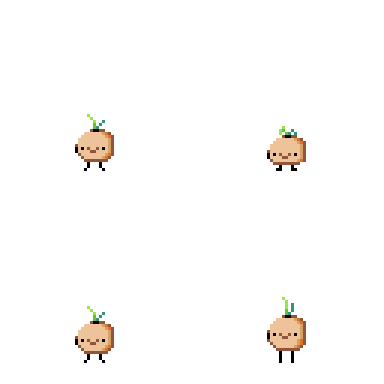
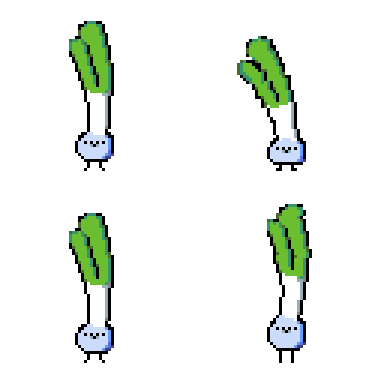
For our fonts, I went with Poppins for our primary text, because it’s a versatile sans serif that’s easily readable and, in my opinion, cute and chubby like our little veggies.


Illustrations also took on a soft, pastel pixel style inspired by the nature theme of the Forest app. The theme of gardening and nature came from the desire to make this app a calming, productive activity that is kind to the stops and starts that often come from trying to organize and motivate ourselves. Leaves may wilt, but they can come back.

Logos
For the logo I went with a font called New High Score for the pixel nostalgia, but we kept it localized to large block quotes or titles due to its lower readability.

Final Product
The Design Begins to Bloom
The Hi-Fi Prototype takes all the data we got from our Lo-Fi testing and all the design work from the style guide to make something sleek and endearing.



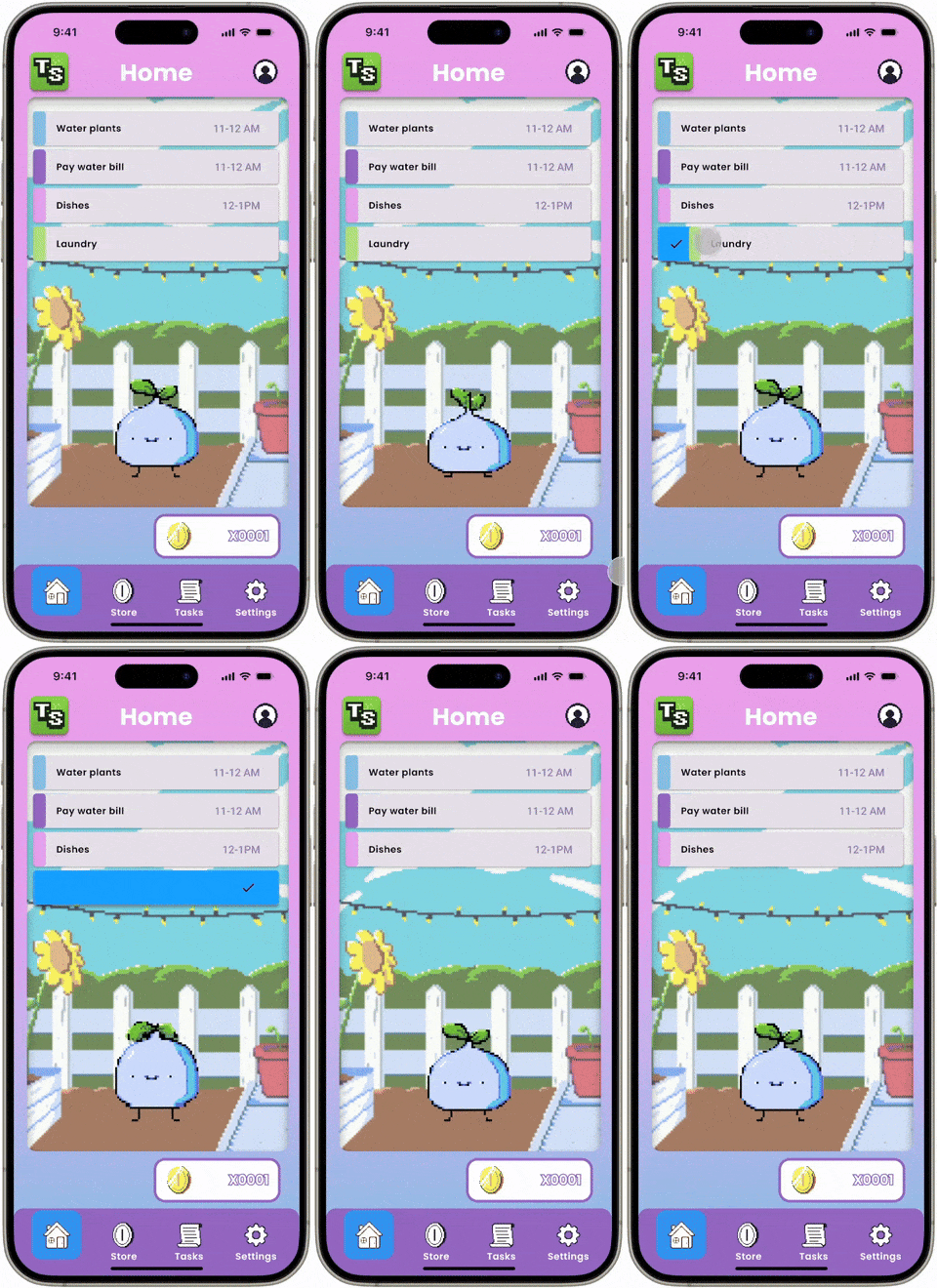

Task Sprout's interface was spruced up with fun micro interactions and sleek touch shortcuts like swiping to complete or delete tasks.
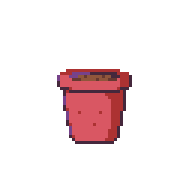
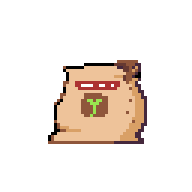
Rewards for completing tasks have been simplified and streamlined. Complete a task, get a coin. Then you can use that currency to buy customization for your garden and your pet.
Items like water, fertilizer, and pots would allow users not only to customize their space, but influence the growth of their pet.
Reflection
Lesson's for Next Season's Harvest
After this project, I look back and see so much I want to continue and build on. I so much wanted Task Sprout to have a full evolution tree for our pets and integrate them more into our tasks. My goal was to create a a relationship between the user and the Task Sprout pets that made users proud to grow them and share their progress with others.